
What is WG Free Mesh
WG Free Mesh is a centralized management platform for WireGuard networks. It brings configs, nodes, client onboarding, Mesh relationships, config delivery, endpoint control, backups, and AI integration into one console, so multiple client nodes can be managed, configured, observed, and quickly rebuilt from one place.
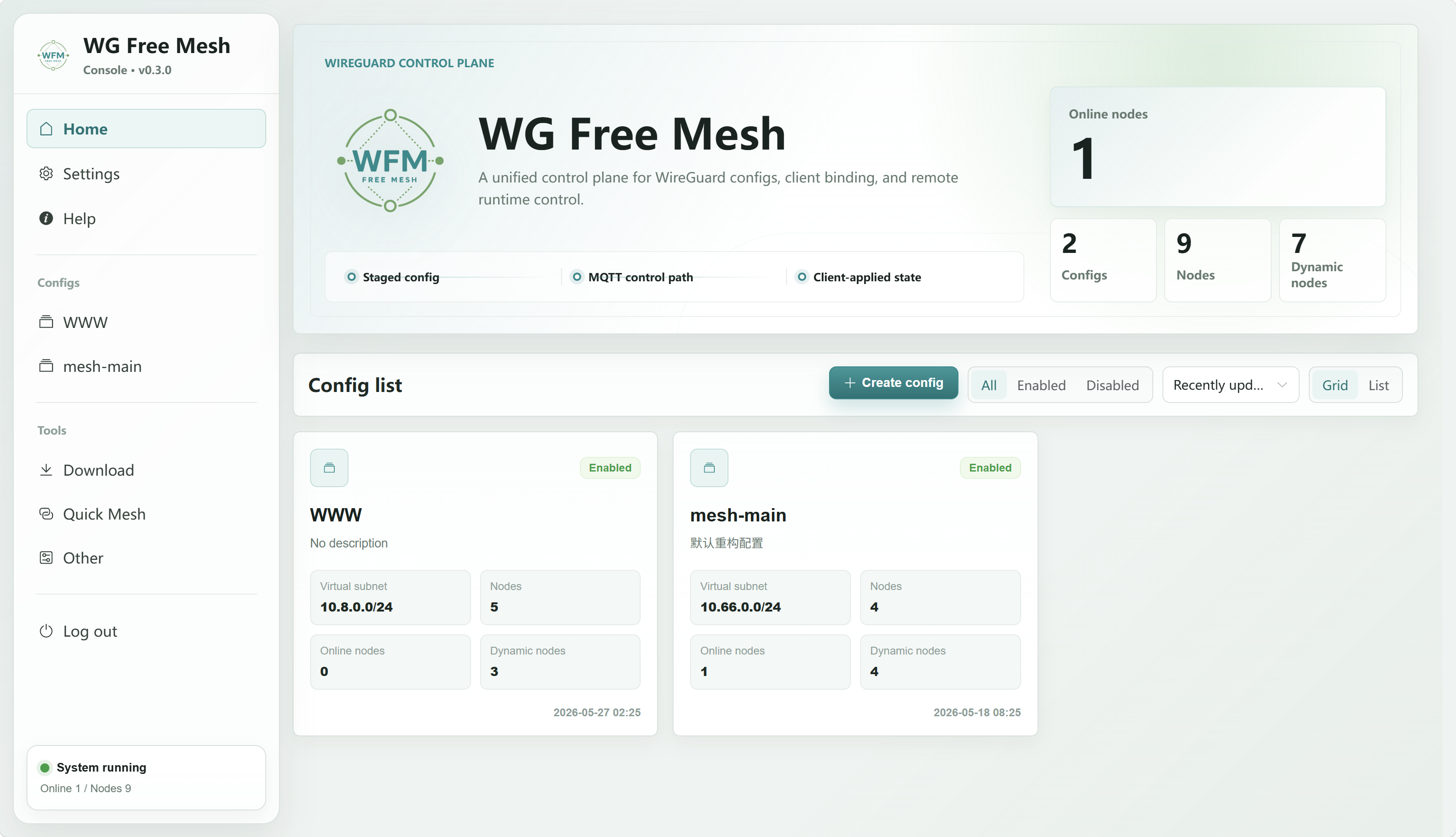
Good fits
- Building WireGuard Mesh networks across multiple servers.
- Unified access for home, office, and edge nodes.
- Environments with frequent node additions, removals, or migrations.
- Fast full-mesh or gateway-style topology generation.
- Integrating networking capabilities into AI tools.
Why it exists
WireGuard is stable and simple, but multi-node operations become difficult to maintain:
- Every node needs its own Peer config.
AllowedIPs,Endpoint, PSK, and Keepalive are easy to misconfigure.- It is hard to confirm whether a client is online or has applied the latest config.
- Reinstalling nodes, moving clients, and bulk downloading configs are manual tasks.
- Full mesh, gateway, and Free Mesh topology changes are costly to maintain by hand.
WG Free Mesh collects those repetitive and error-prone operations into one control plane, so configs and client behavior are managed by the server.
What it does
Centralized config and node management
Manage all client nodes under one config. Each node can maintain virtual IPs, public IPv4 / IPv6 entries, listen ports, tags, client binding state, and advanced parameters.
A config defines the virtual subnet, default listen port, default DNS, protocol type, and default behavior for newly created nodes. A node represents an actual client endpoint in the network.
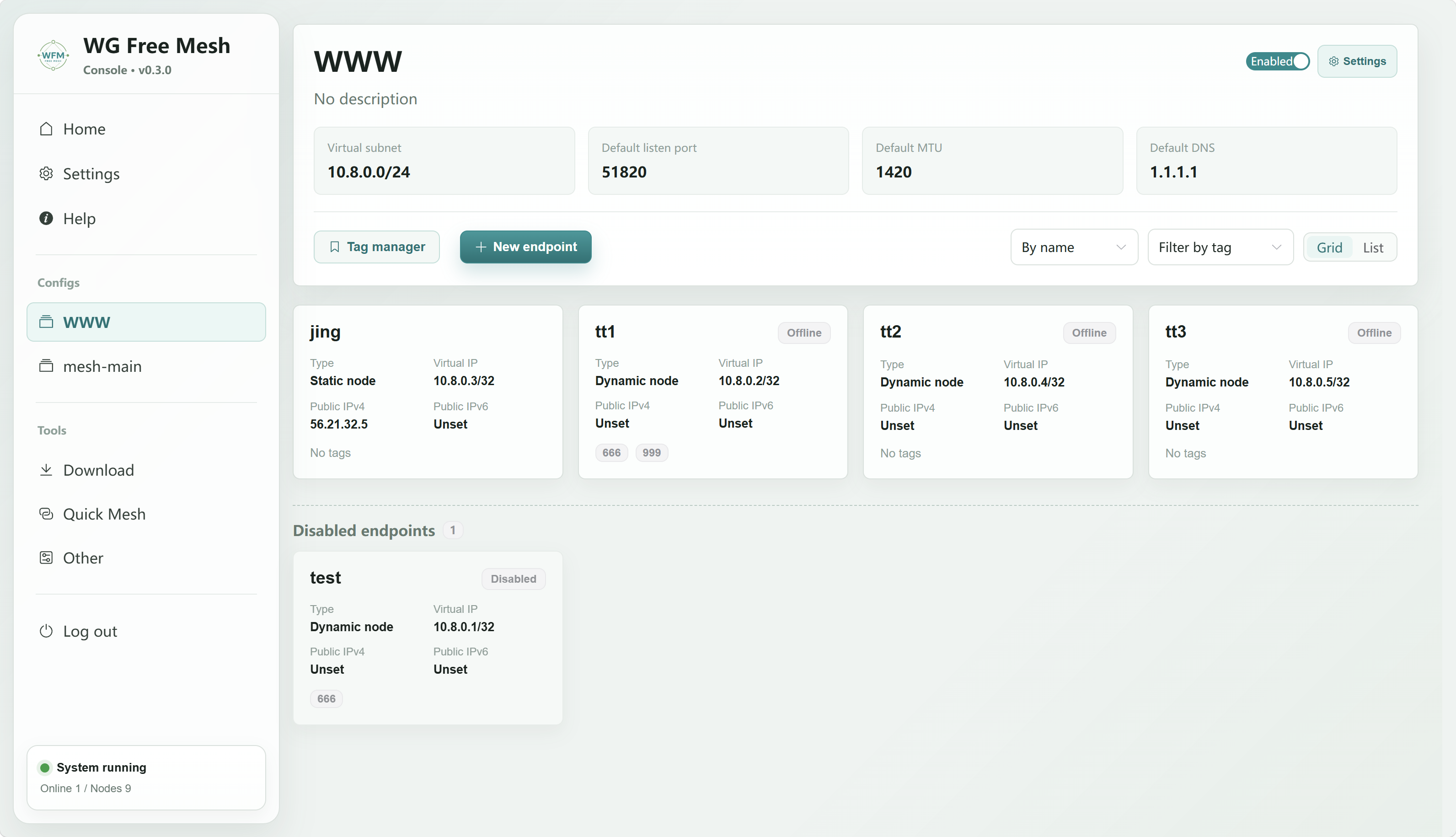
Generated WireGuard configs
The system generates per-node config text from configs, nodes, and Mesh peer links. For fields that are outside automatic generation, it provides dedicated pages for manual maintenance. If a client is bound, staged configs can be synchronized and delivered automatically.
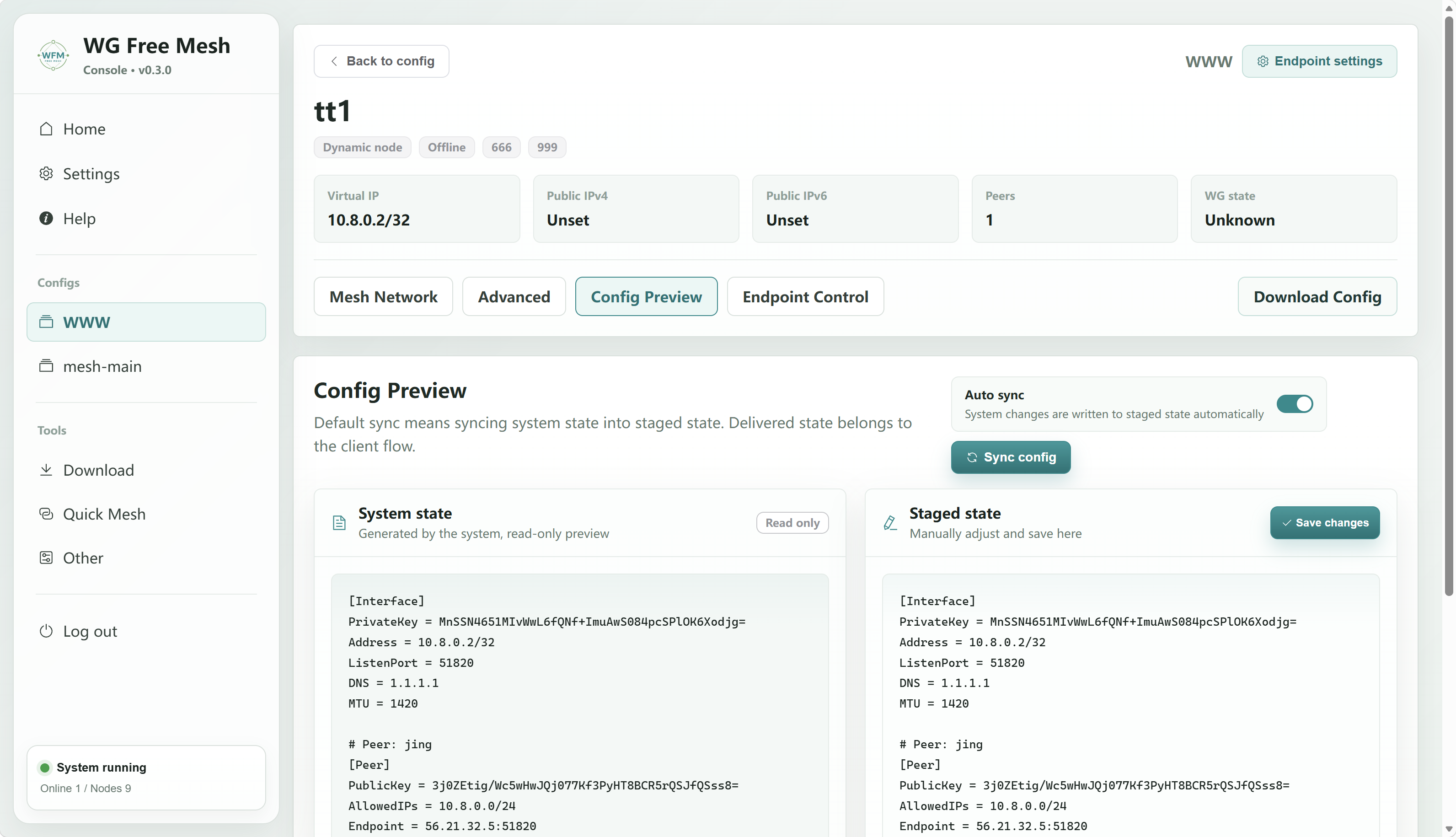
Quick Mesh
Built-in quick networking modes:
- Gateway network: suitable for one public node with multiple leaf nodes.
- Full mesh: suitable when every node has a public entrypoint.
- Free Mesh: multiple gateways form a backbone, while leaves attach to selected gateways and still keep full-network reachability.
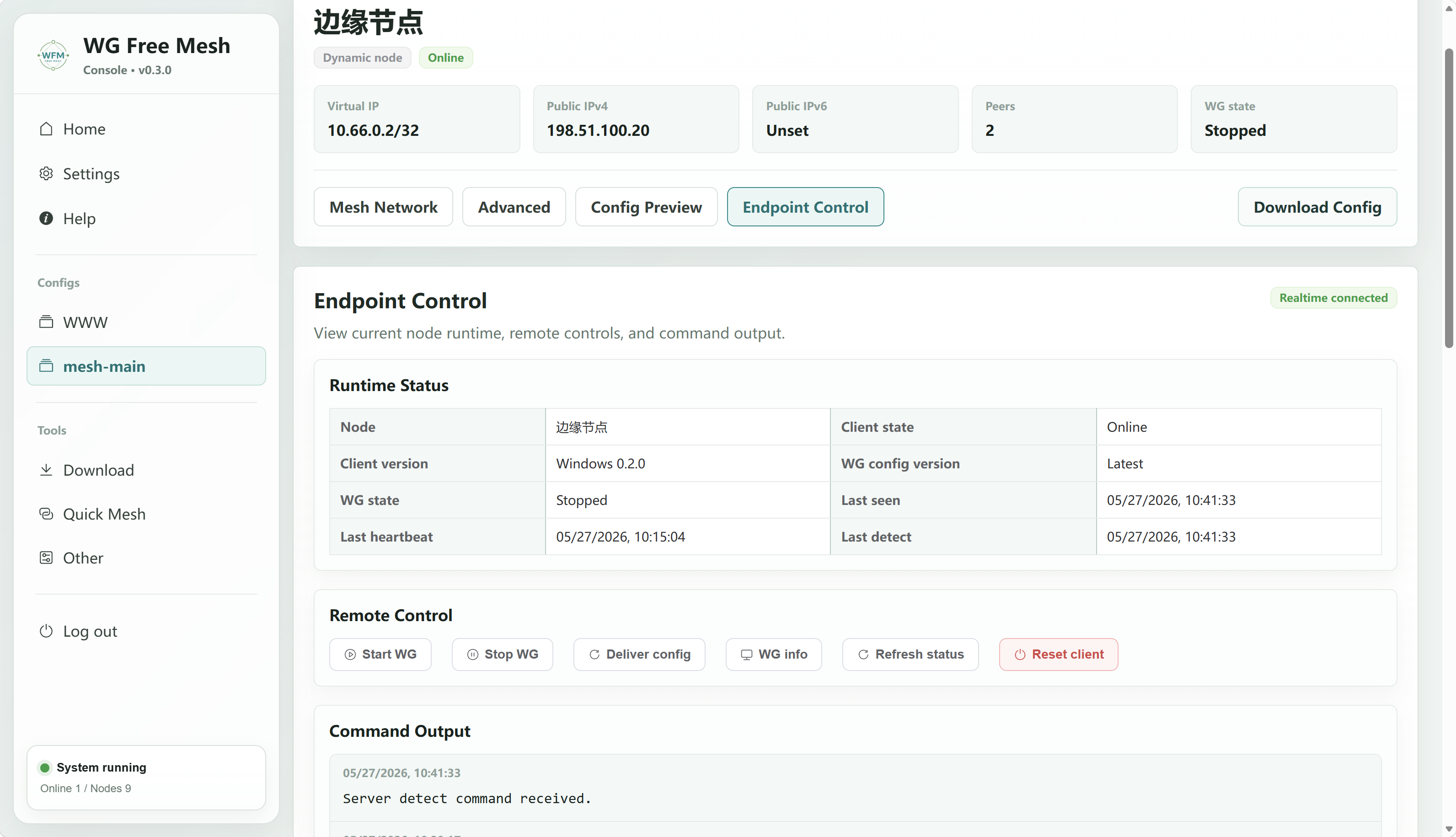
Client onboarding and endpoint control
After downloading the client, bind it to a node with wfmctl bind. Once bound, the server can observe client status and send actions such as start, stop, push config, and show runtime information.
Downloads and backups
The system provides client downloads, bulk config downloads, and application-level snapshots. Snapshots do not depend on raw database files and can migrate application data between SQLite and PostgreSQL deployments.
AI / MCP integration
WG Free Mesh exposes MCP access so AI tools can read system status, configs, nodes, topology, and audit information. Write operations require confirmation, and high-risk snapshot restore is not exposed to AI.
How it works
- Create a config.
- Add nodes.
- Maintain Mesh peer links manually or generate the topology with Quick Mesh.
- Download the client and bind it to a node.
- Push configs and observe runtime state.
- Continue maintaining nodes, topology, backups, and AI access from the console.
What it is not
WG Free Mesh is not a commercial VPN panel and does not replace the WireGuard kernel or userspace implementation. It manages and orchestrates; tunnels still run through WireGuard or AmneziaWG toolchains.
Next steps
- To run it quickly, read Quick Start.
- To create your first network, read First Mesh.